How to Install a Front-Mount Mailbox Flag on a Brick or Stone Mailbox
How to Install a Front-Mount Mailbox Flag on a Brick or Stone Mailbox
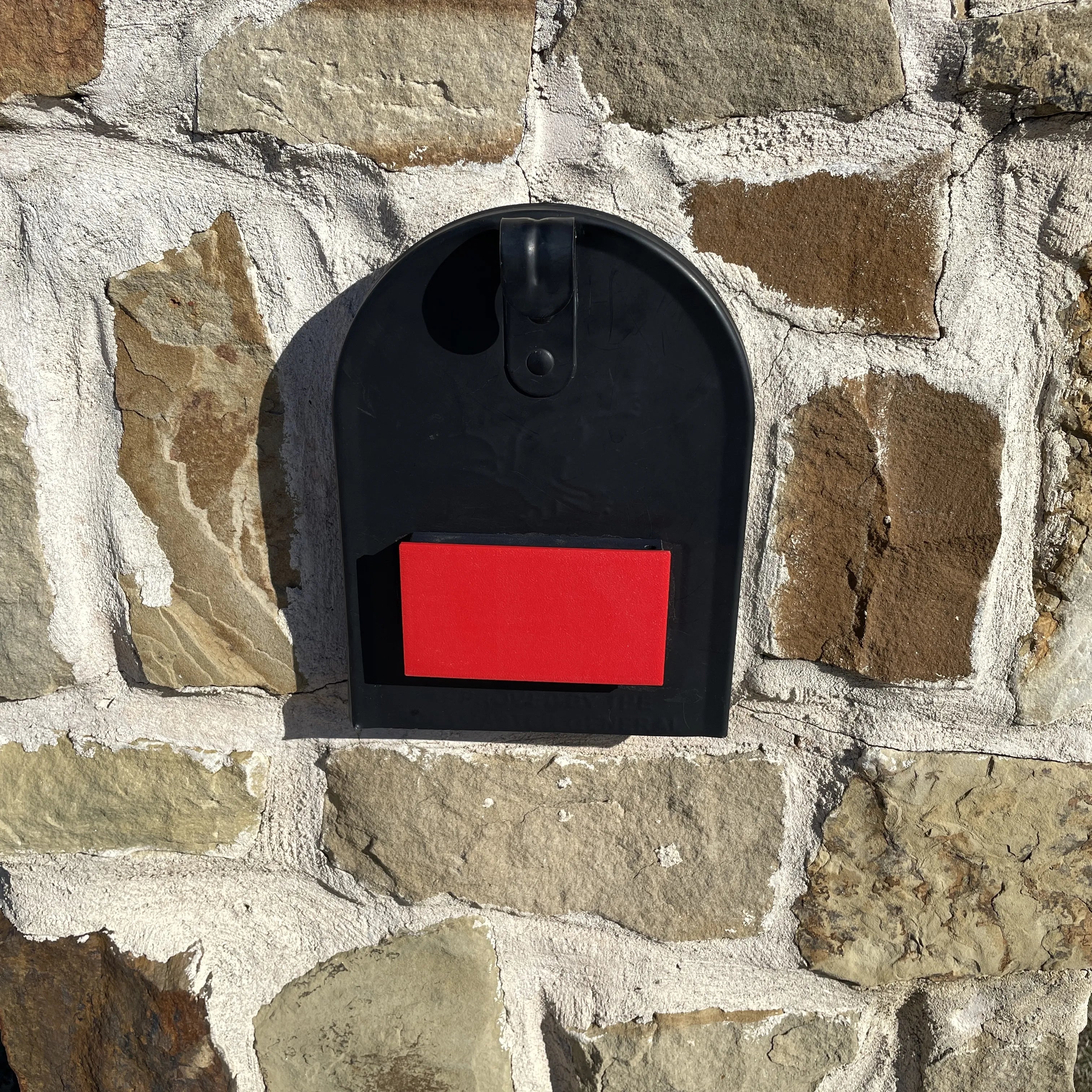
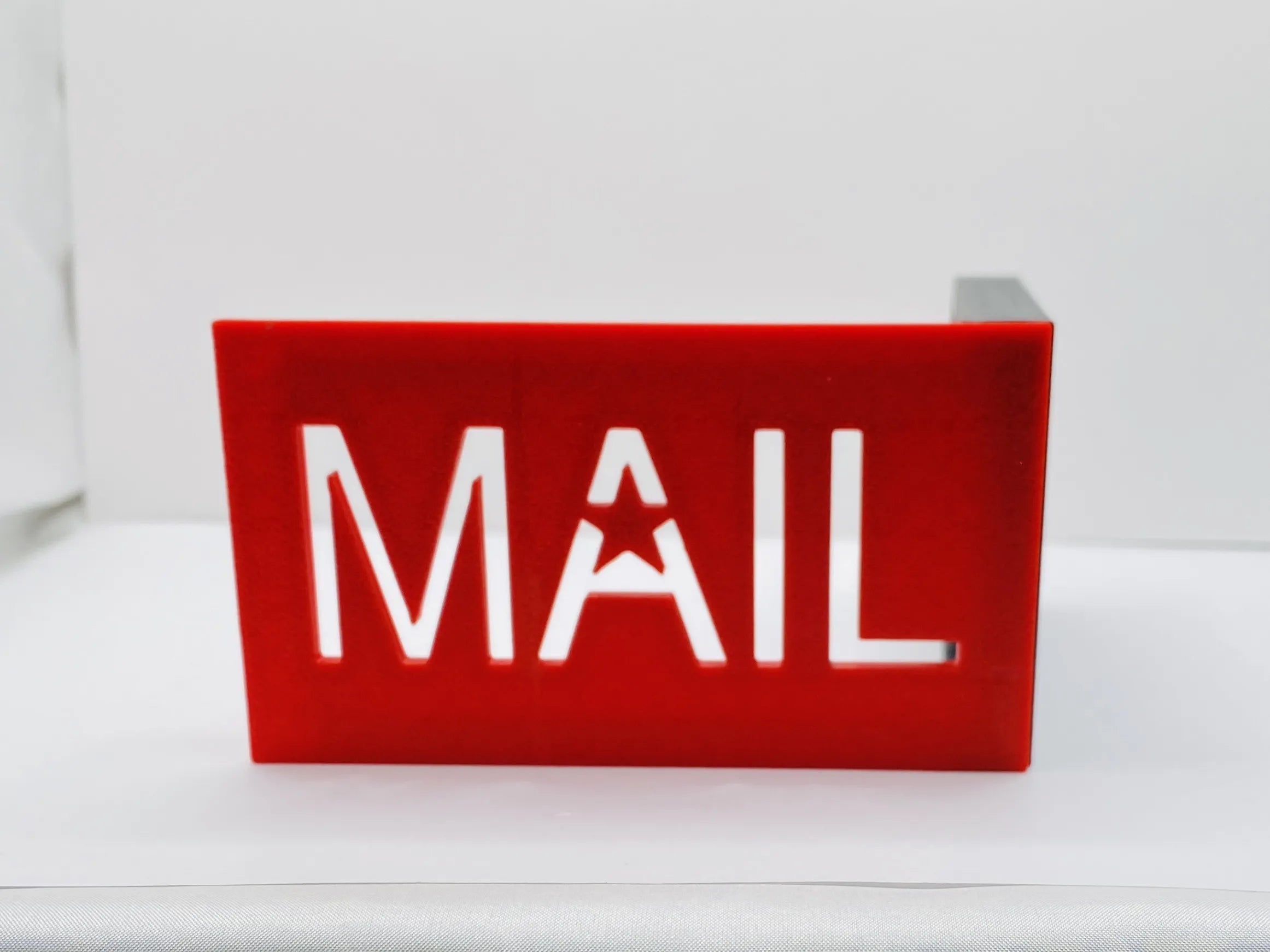
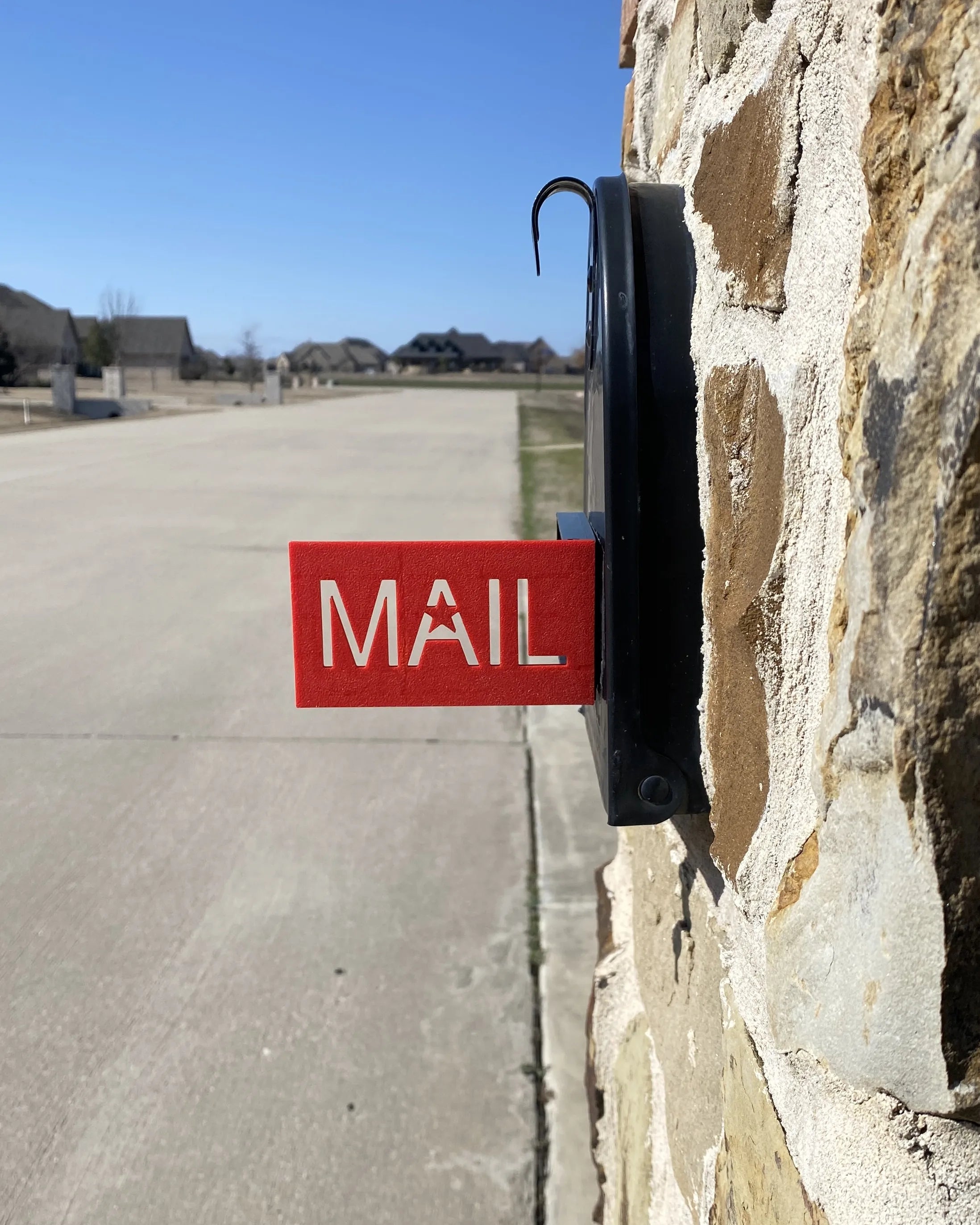
A brick or stone mailbox enclosure can make a traditional side-mounted replacement flag difficult to install. The 321Engrave front-mount design solves that problem by attaching to the front face of the mailbox itself, not to the surrounding brick or stone.
You do not need to drill into the masonry to install a 321Engrave front-mount mailbox flag.
Before you begin
Confirm that your mailbox has a suitable flat mounting area on its front face and compare that area with the dimensions shown on the product page. Make sure the chosen position allows the mailbox door and flag to move freely.
Option 1: Install with the included adhesive
- Choose the mounting location. Position the flag on the front face of the mailbox where it will be visible to your carrier and will not interfere with opening the door.
- Clean the mounting surface. Remove dust, dirt, oils, and moisture from the area where the adhesive will contact the mailbox.
- Test the position before sticking it down. Hold the flag in place and raise and lower it to confirm clearance.
- Apply the adhesive. Follow the installation instructions included with your flag and press the mounting area firmly against the prepared mailbox surface.
- Allow the adhesive to bond. Follow the supplied instructions before putting the flag into normal use.
Option 2: Use the included mounting hardware
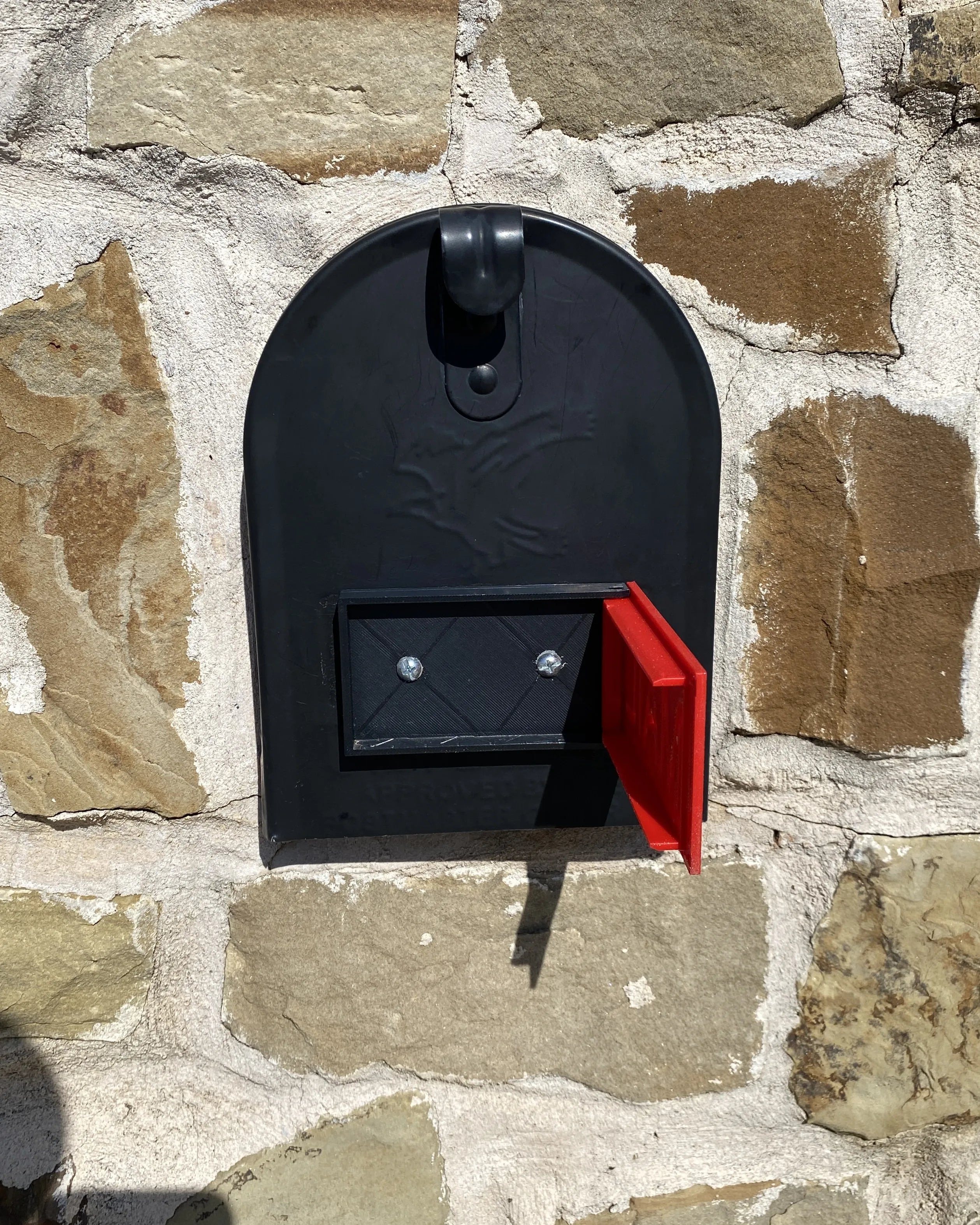
If your mailbox construction allows a mechanical installation, the kit also includes screws and nuts. These attach the flag to the mailbox itself. Do not drill into the surrounding brick or stone simply to install the flag.
Test the flag
After installation, open and close the mailbox door and raise and lower the flag several times. Confirm that the flag moves freely, stays in its intended positions, and does not interfere with normal mailbox operation.
How the flag is used
Place your outgoing mail in the mailbox and manually raise the flag to signal the carrier that mail is waiting for pickup. This is an outgoing-mail signal; it is not an automatic incoming-mail notification device.
Need the full installation guide?
See the current 321Engrave mailbox flag installation instructions for the product-specific steps, or shop front-mount mailbox flags.